
Calculate Floor Tiles
Floor tiles start from the floor area: length times width, divided by the area of one tile, plus waste. If the floor is broken up, add the sub-areas together first. On the floor you're usually working with an 8 mm notch, so the adhesive and grout figures drop straight out of the same calculation.
Download on the App Store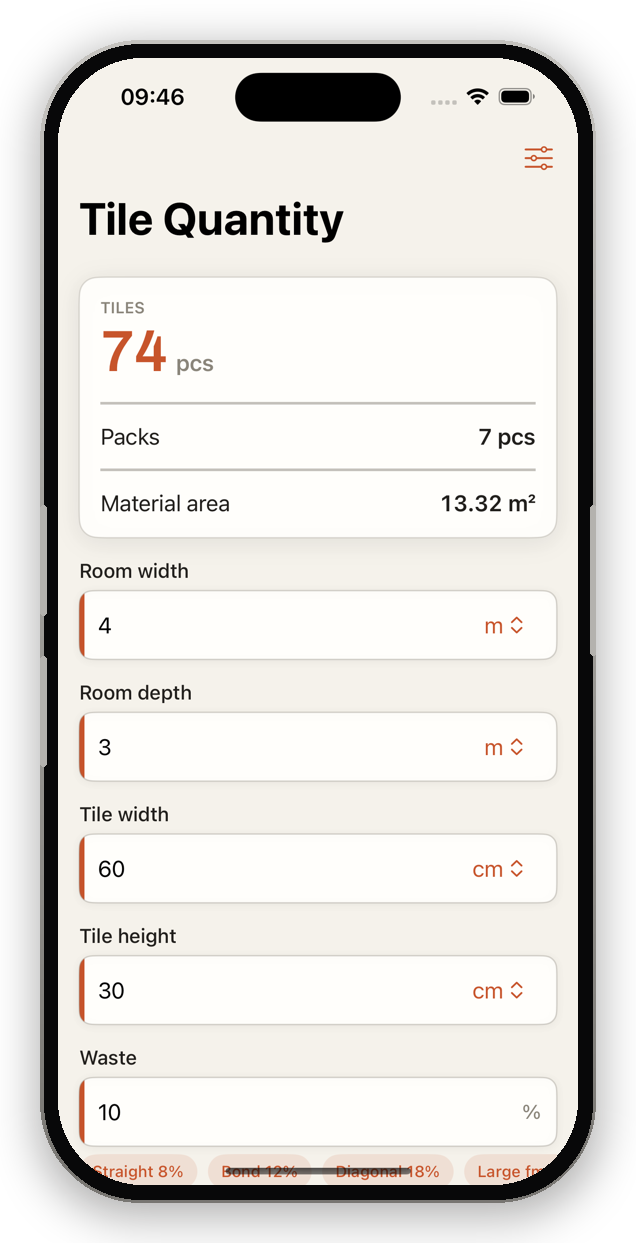
How to calculate floor tiles
- Measure the floor: length × width (add sub-areas).
- Divide by tile area, add 10% waste.
- Also calculate boxes, adhesive (8 mm) and grout.
Formula: Floor tiles = (floor area ÷ tile area) × 1.10
Example: 15 m² floor, tile 60 × 60 cm (0.36 m²) → 15 ÷ 0.36 × 1.10 = 46 tiles.
Practical tips
- Align the laying direction with the longest wall – a calmer look.
- Plan thresholds and transitions separately.
- Use a flexible adhesive over underfloor heating.
Automatic with TileWright
Live calculation as you type, multiple sub-areas, a waste assistant and a visual room designer – fully offline.
Download on the App StoreCommon questions
Which notch for floor tiles?
Usually 8 mm, 10–12 mm for large formats.