
Calculate the Tiling Area
Length times width – that's really all the tiling area is to begin with. It only gets fiddly when the room isn't a clean rectangle. Then you break it into simple boxes, work out each one on its own, and add them together. That total area is what the tile count is built on.
Download on the App Store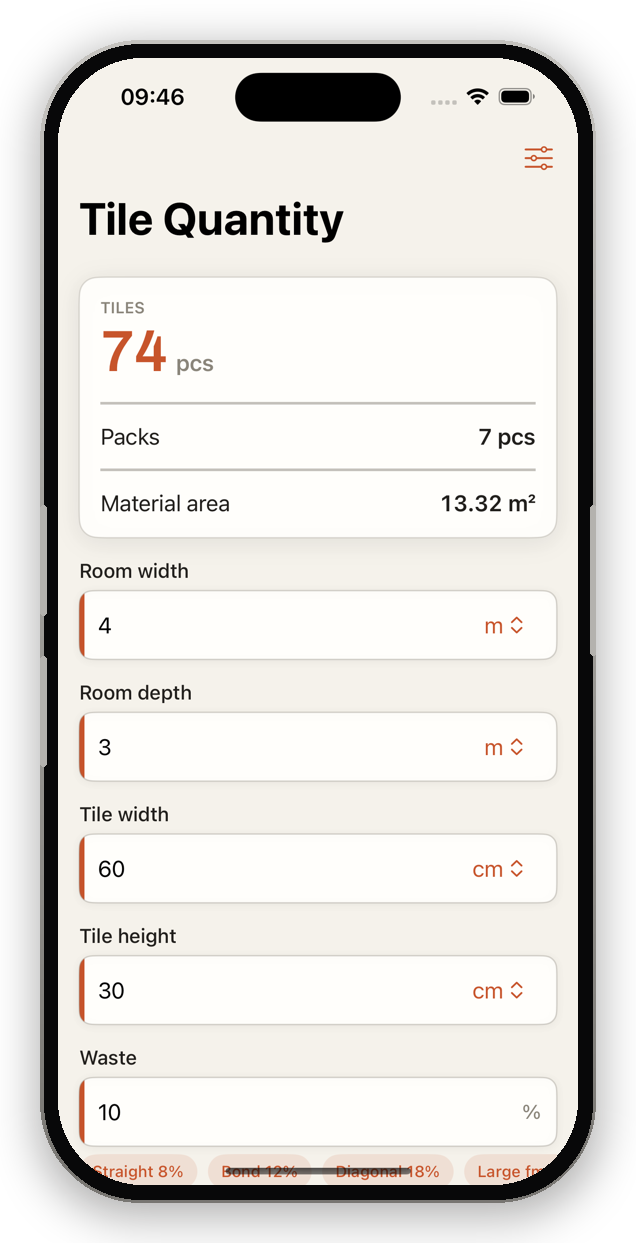
How to work out the area
- Split the room into simple rectangles.
- Each sub-area: length × width.
- Add all sub-areas = total area in m².
- Subtract cut-outs (e.g. columns).
Formula: Area = length × width (add sub-areas)
Example: L-shaped room of 4 × 3 m and 2 × 1.5 m = 12 + 3 = 15 m².
Practical tips
- Wall tiles: height × width of the wall, subtract doors and windows.
- Always work in metres so the m² come out directly.
- When unsure, measure generously – better a little more material.
Automatic with TileWright
Live calculation as you type, multiple sub-areas, a waste assistant and a visual room designer – fully offline.
Download on the App StoreCommon questions
How do I add several rooms?
Calculate each area in m² separately and add them together.