
Diagonal Tile Layout: Calculating Quantity
A diagonal layout looks the part, but it costs you in material. Because the tiles run at 45°, every one of the four room edges ends in an angled cut, and that pushes waste right up. So don't budget the usual 10% – reckon on 15–20% instead. Everything else in the calculation stays the same; you just feed in the higher factor.
Download on the App Store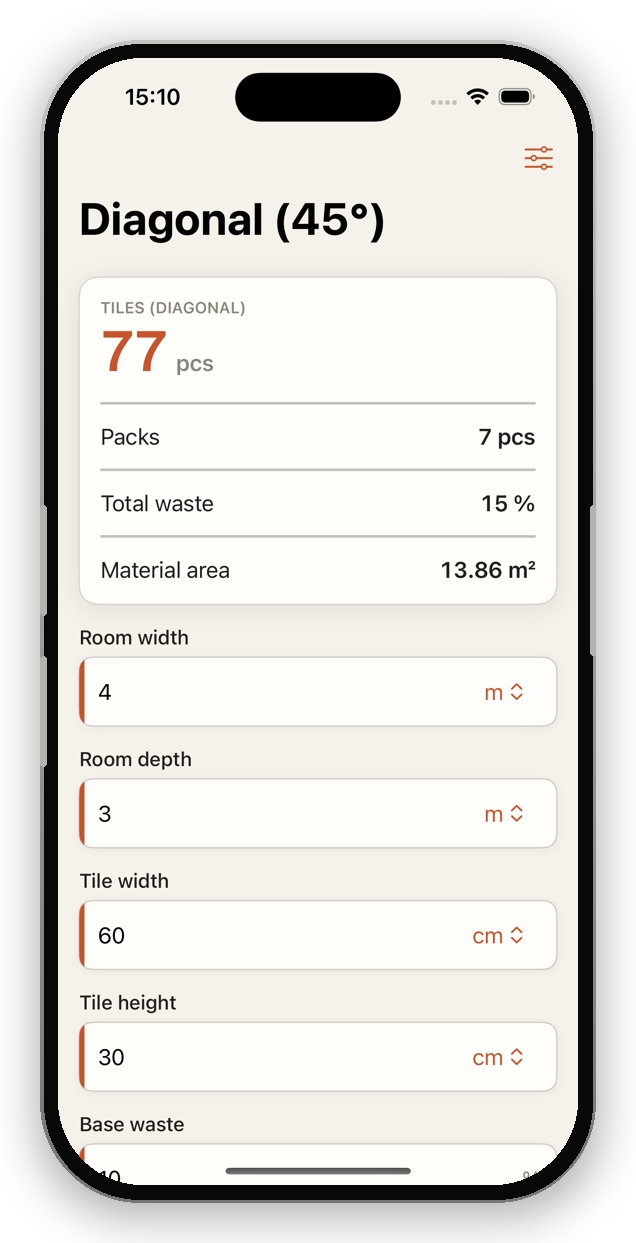
How to calculate for a diagonal layout
- Calculate the pure tile requirement (area ÷ tile area).
- Add base waste (10%) plus a diagonal surcharge (5–10%).
- Multiply by (1 + total waste) and round up.
Formula: Requirement = tiles × (1 + 0.10 + diagonal surcharge)
Example: 12 m², tile 0.18 m², waste 15% → 12 ÷ 0.18 × 1.15 = 128 tiles.
Practical tips
- Diagonal makes small rooms look larger – but costs more material.
- Plan extra reserve for the sharp corner cuts.
- Large formats diagonally: set waste toward the upper range.
Automatic with TileWright
Live calculation as you type, multiple sub-areas, a waste assistant and a visual room designer – fully offline.
Download on the App StoreCommon questions
How much extra waste for a diagonal layout?
About 5–10 percentage points more than a straight layout, so roughly 15–20% in total.